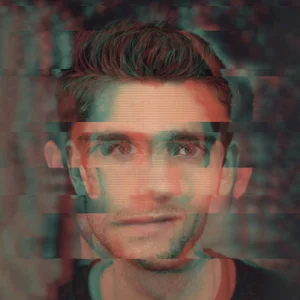
Photoshop Filters that Will Upgrade Your Composition
Learn what filters are, how to create one, and see which filters are popular for photographers.
Watch the video for a step-by-step breakdown in Photoshop ⬆️
What are Filters?
A filter is an overlay in Photoshop that allows you to create particular effects on an image or selection. They are best used in conjunction with Smart Objects so that they can be edited again later on if needed.
*Note that Photoshop filters are different from the hardware Filters you apply to the front of your lens.
Practical Uses of Filters
Adding blur to parts of a photo (make water and clouds smoother, reduce focus in certain areas, or create the Orton Effect)
Denoising and/or sharpening parts of an image
Fixing lens distortions
Accessing Camera Raw (basically Lightroom) as a layer in Photoshop
Liquifying parts of an image (i.e. smudging or ballooning objects)
How to Apply Filters
Watch the video tutorial above for a step-by-step breakdown in Photoshop.