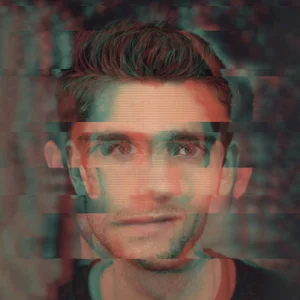
Use the Orton Effect to Create Dreamy Images
Learn what the Orton Effect is and how to apply it to your image for a “dreamy” effect.
Watch the video for a step-by-step breakdown in Photoshop ⬆️
What is the Orton Effect?
The Orton Effect is a photography technique developed by Michael Orton back in the 80s. It involves blending two versions of the same photo together to create a surreal, glowing image.
The catch is that one of these versions is slightly blurry, which, when blended with the original, sharp image, gives it a dreamy look.
It’s best applied at the end of your editing session.
Practical Uses of the Orton Effect
Giving your image a surreal, dreamy finish
Blending blown-out highlights into the photo
Can be used with Luminosity Masks and Smart Objects for even more precision
How to Apply the Orton Effect
Watch the video tutorial above for a step-by-step breakdown in Photoshop.